Skip to content
Free assessment

CaféÉquipe

Café & Restaurant Management

Take orders, run the kitchen and the floor, keep track of stock and plan your crew's shifts, all in one system. Every café gets its own system address, where your whole team signs in.

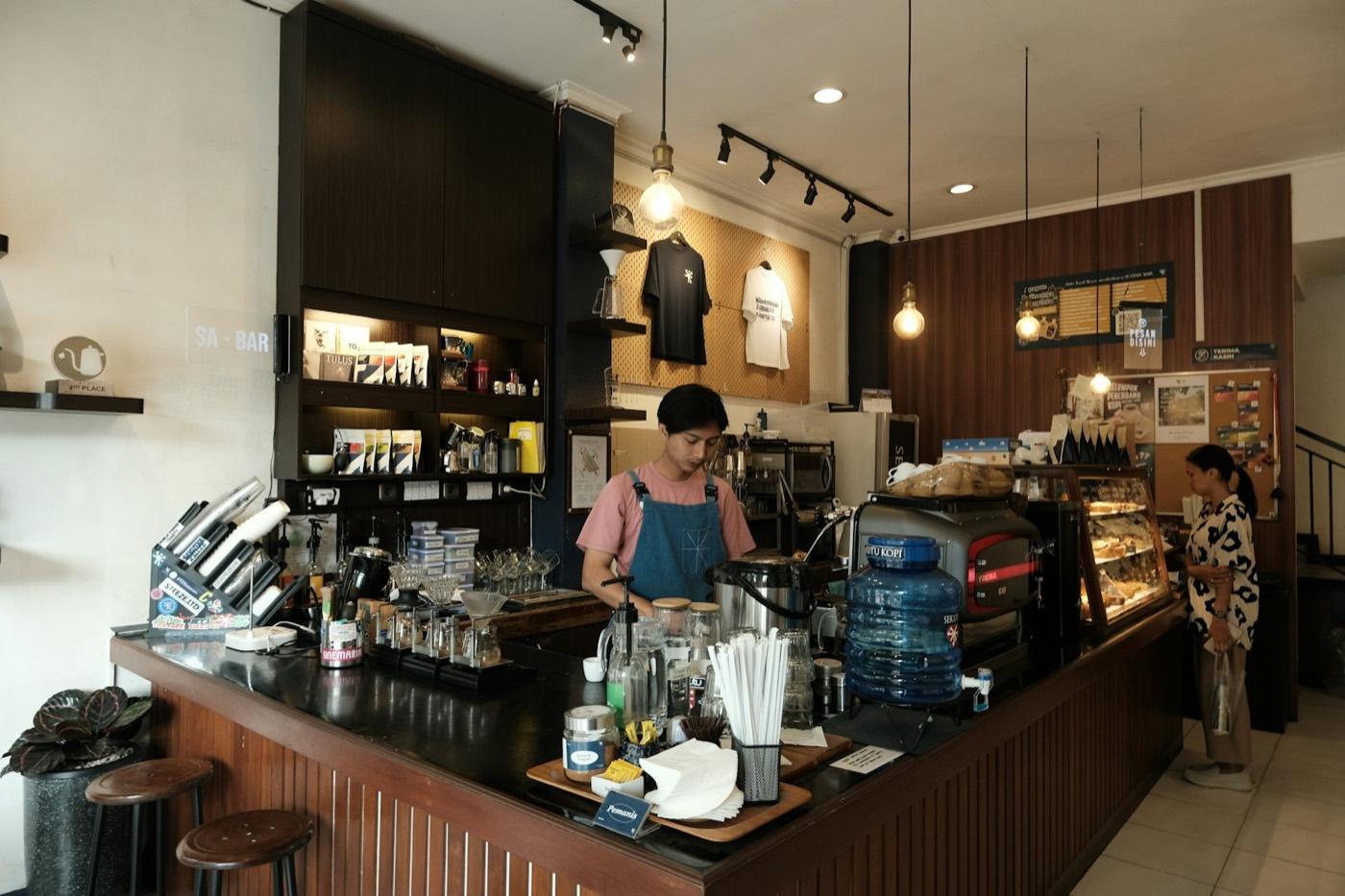
A barista at work behind a bright café counter
CaféÉquipe
  • Orders Point of sale
  • Kitchen Kitchen display
  • Tables Floor and reservations
  • Shifts Crew and time clock

Made for cafés and restaurants

From a single counter to a group of branches, one system runs the whole service.

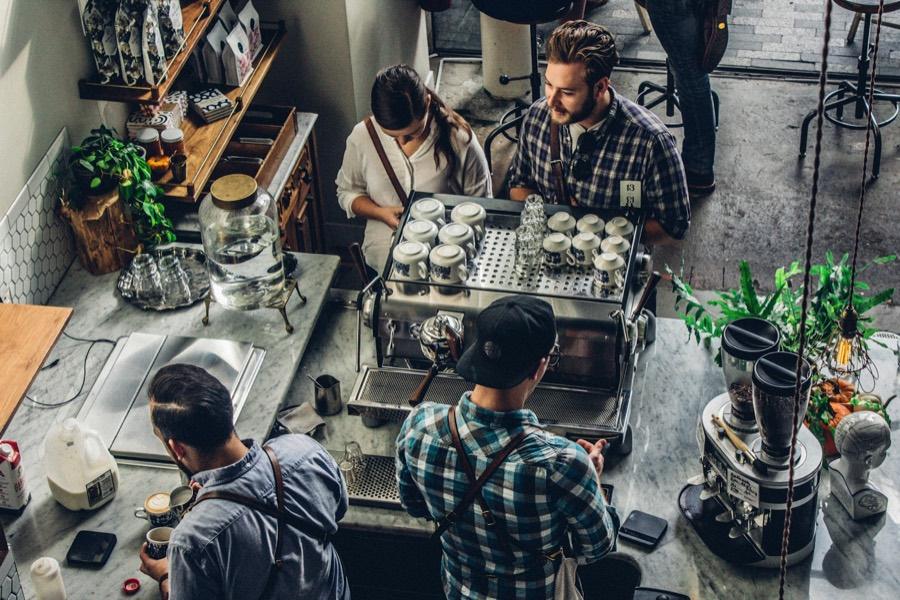
Baristas making drinks behind a café counter

Counter service

For a counter-service café with one till: orders, the menu, card and cash payments, and the day-end close.

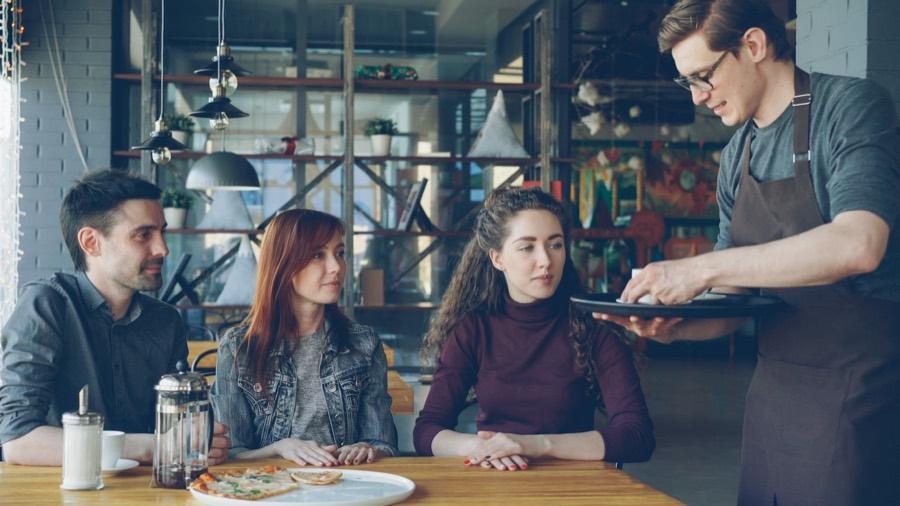
A server bringing a dish to guests at their table

Table service

For cafés with table service and a full crew: the floor and its tables, reservations, shifts, recipes and stock.
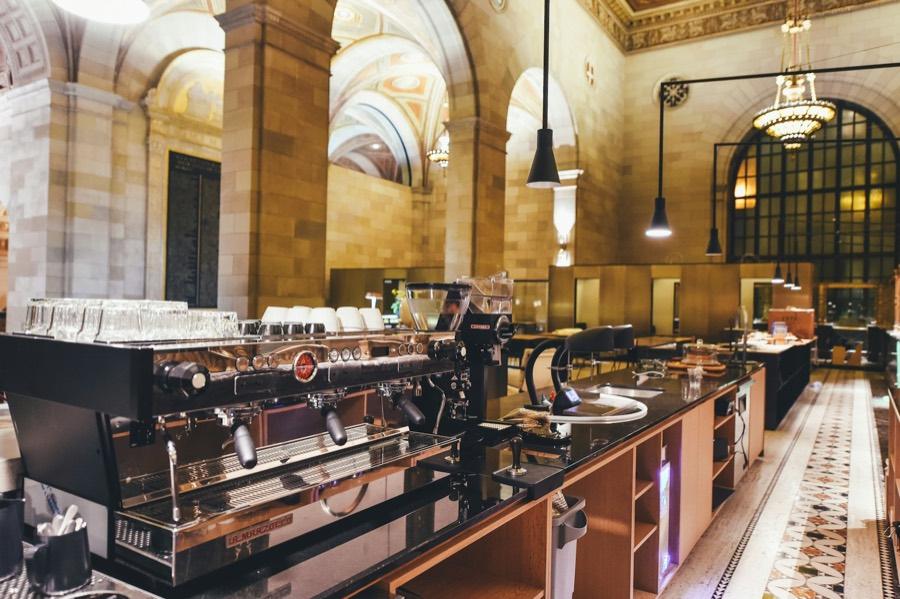
A grand café hall with espresso machines along a long bar

Groups of cafés

For owners running several cafés: every branch with its own tables and crew, and all of them at a glance.

One system, from the counter to the back office

Service, the kitchen, the back office, your team and your branches, all in one place.
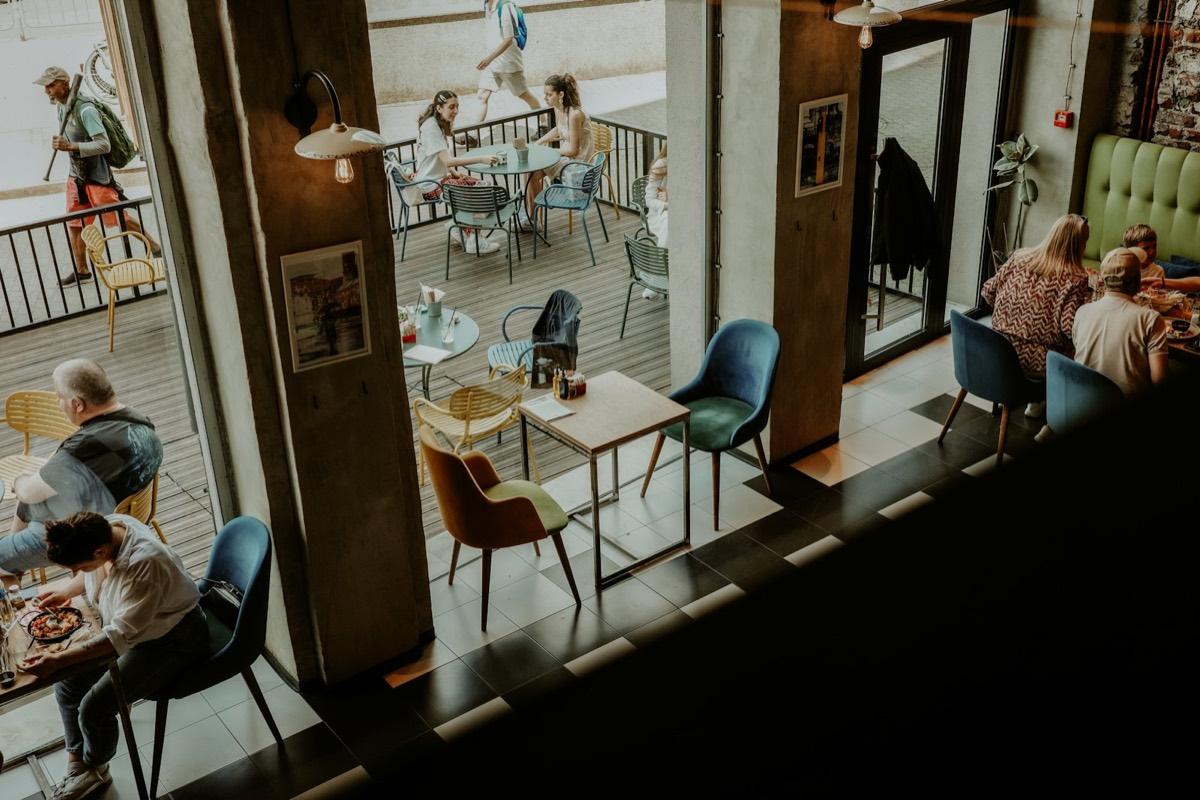
Guests at tables on a busy café floor

Take orders at the counter or the table

  • Point of sale: build the order, add the customer, add a tip and send it to the kitchen.
  • Dine-in, takeaway and delivery orders, live in one list.
  • Floor and tables by zone, from the patio to the bar, open or seated.
  • Reservations on a timeline, with covers by time slot, and each party seated from the list.
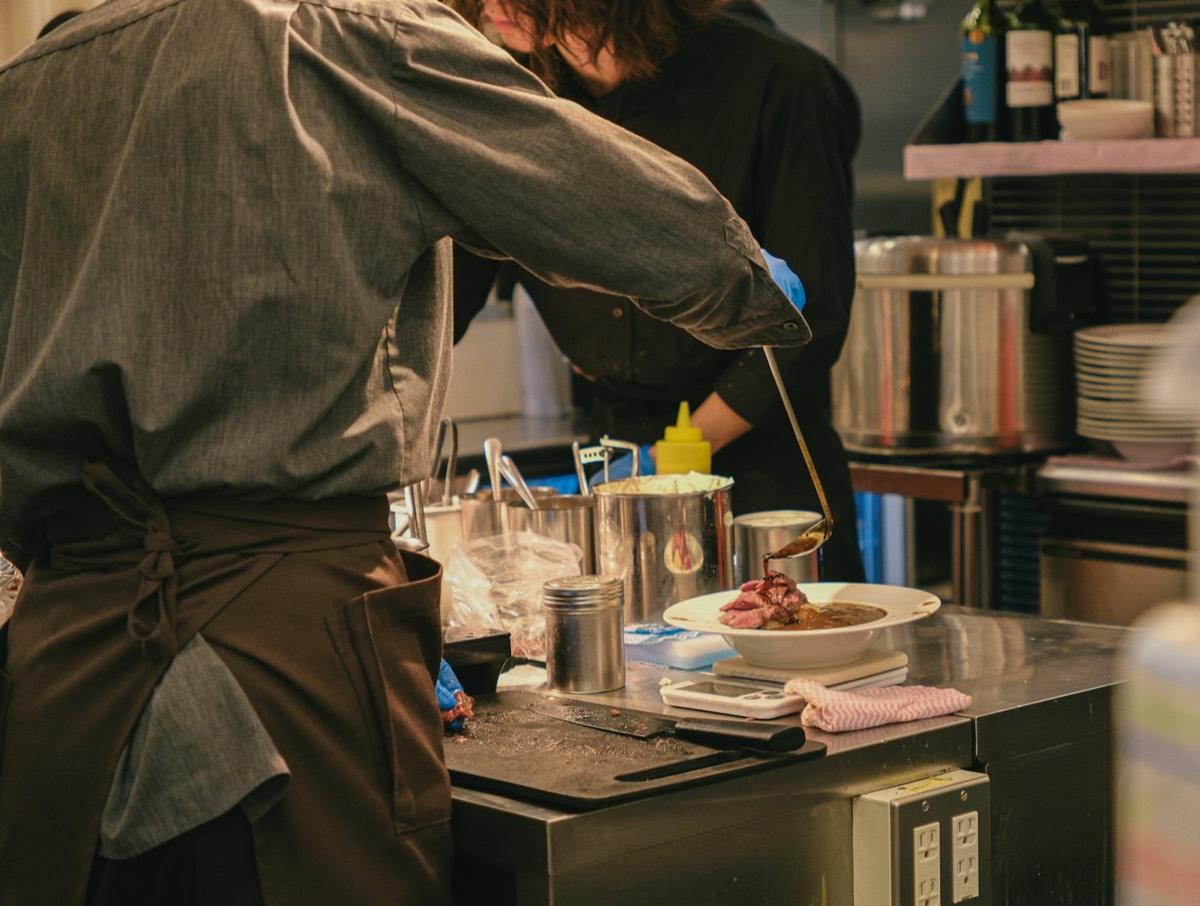
A chef plating a dish at the kitchen pass

Every order on the kitchen display

  • Orders arrive on the kitchen display as soon as they are sent from the point of sale.
  • Each order shows its table and where it is: in the kitchen, plating, ready.
  • The floor sees what is ready to go out, so nothing waits at the pass.
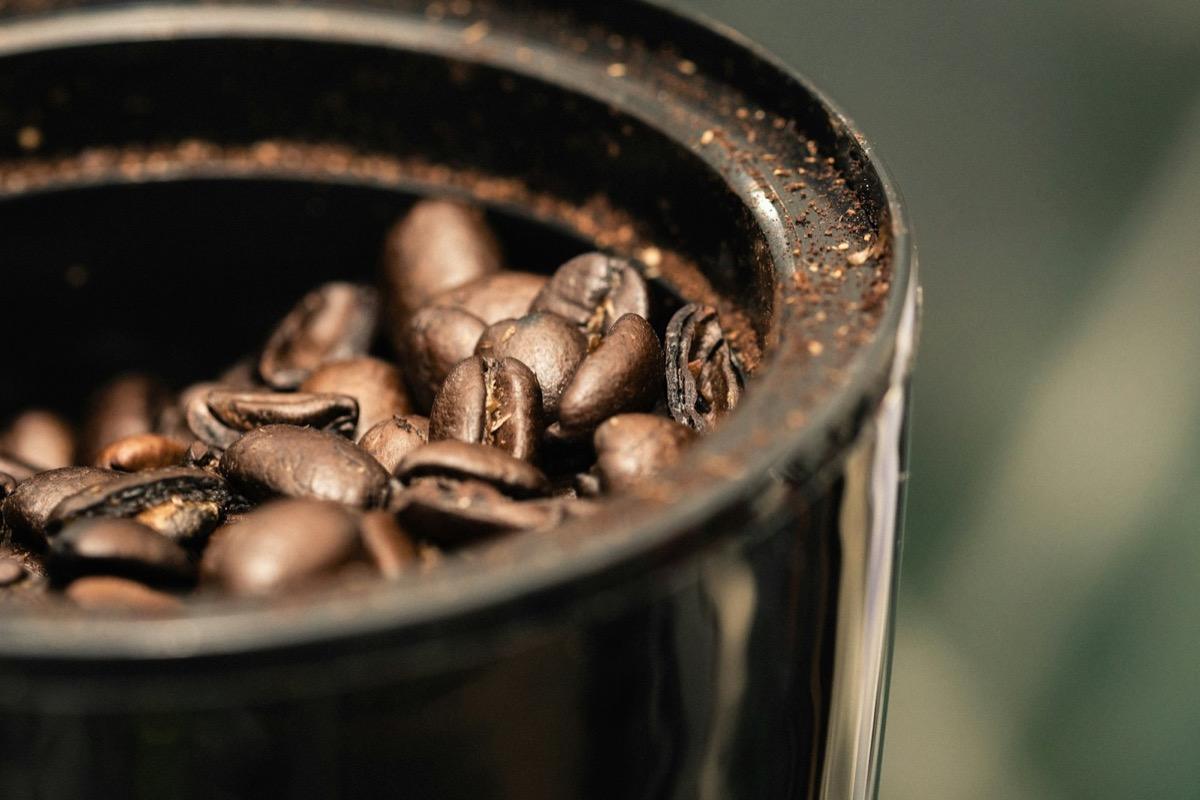
Roasted coffee beans in a container

Know what you sell and what you have

  • Menu: items, categories, prices and what is available today.
  • Recipes: the spec and the ingredients of every item.
  • Inventory: stock on hand against par levels, with suppliers, and low or out-of-stock items flagged.
  • Day-end cash-up: payments, cash reconciliation, voids, comps and tips, and the manager's notes, then close the day and lock the totals.
  • Reports: sales, the average order, covers, and orders by hour and by day.
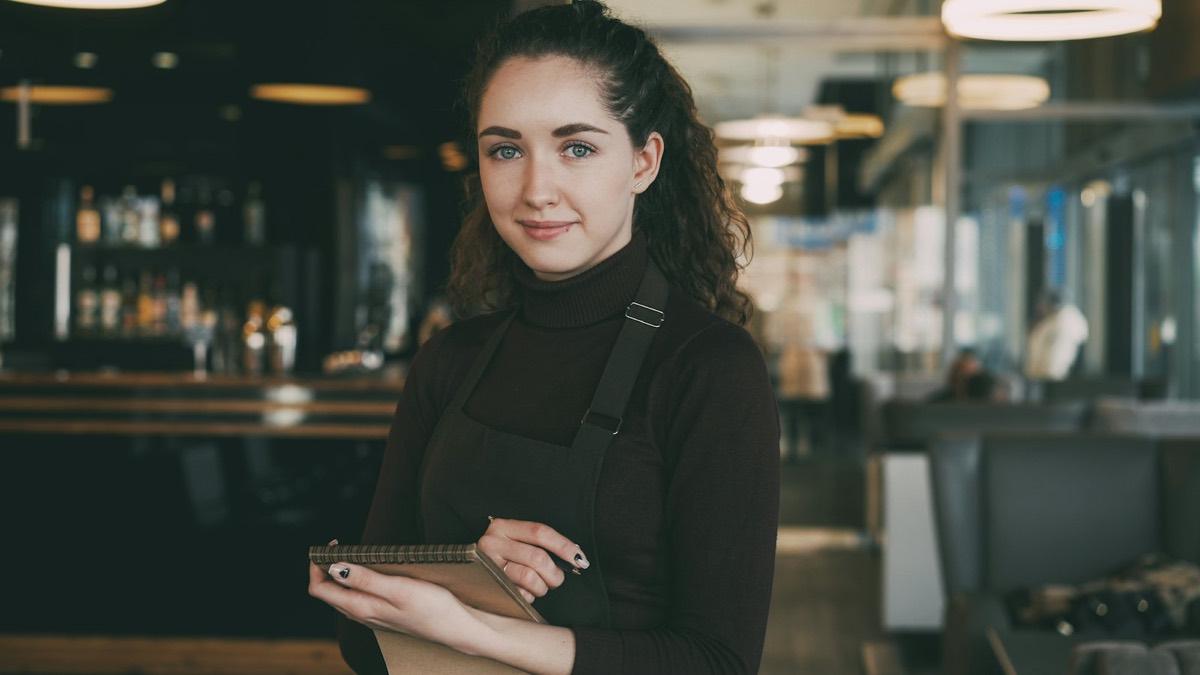
A smiling server in an apron, ready to take an order

Plan the week and see who is on shift

  • Crew: every role, and who is on shift, on break or off today.
  • Shift planning: the week's roster, by day or by week.
  • Time clock and attendance: who arrived on time and who was late.
  • Leave: annual, sick and personal leave, requested and approved in one place.
  • Goals: training tracks, crew goals and kudos from the floor.
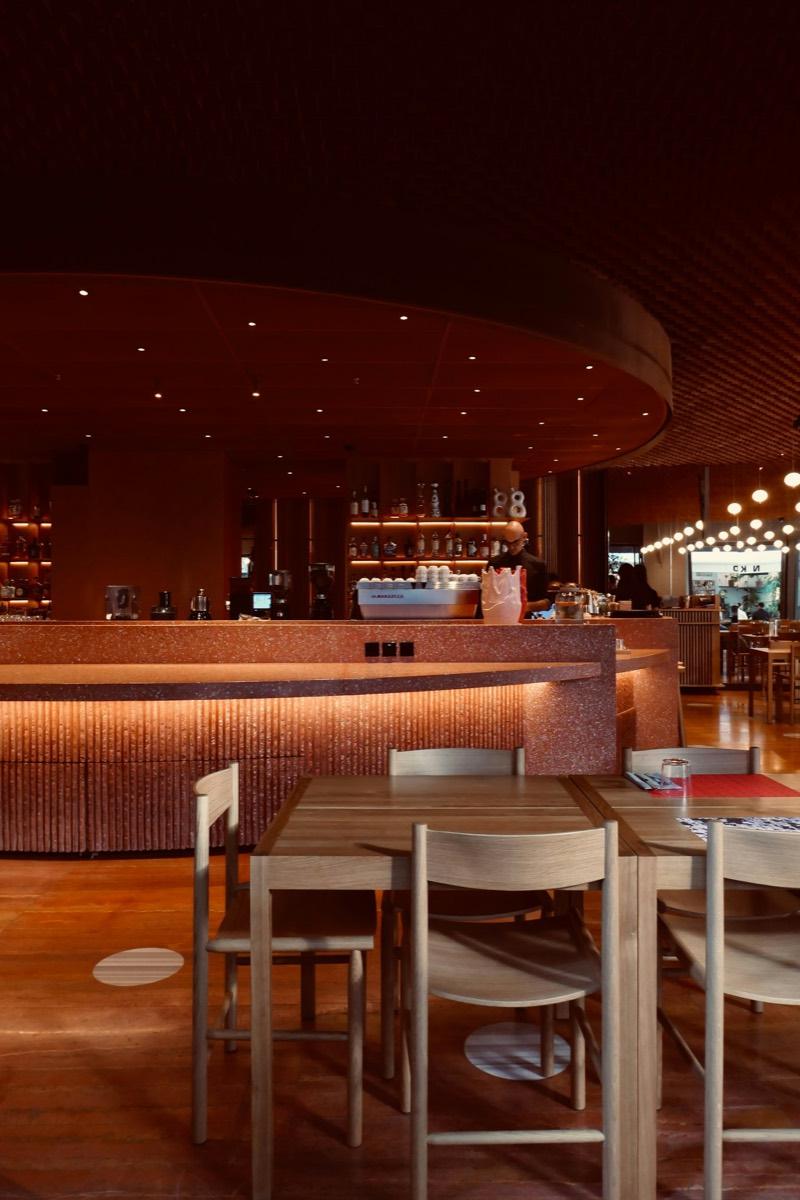
A warmly lit restaurant room with tables and a bar

Run one café or several

  • Each branch has its own floor, orders and crew.
  • Every branch tonight at a glance: covers, crew on shift and open orders.
  • Reports across all your cafés, with each café's sales, top items and payment methods.
  • Every café runs on its own system, with its own data and its own system address.

Also in CaféÉquipe

Tonight at a glance

The home screen: tonight's covers, sales, open orders and tables, what needs attention, and stock running low.

Payments

Card, cash and wallet payments, each recorded against its order with a reference.

Customers

Every guest's visits, total spend and last visit, their reservations, and their allergens noted.

Feedback

Guests' ratings of tonight's menu, and notes and kudos from the crew.

Peak planning

A demand forecast for the next seven days, with the crew it recommends for each slot.

Roles

Admins, managers and crew, each with what their role needs: billing and settings, service and schedules, or orders and their own shifts.

Shared terminals

A terminal stays signed in, and the crew sign in with a PIN to start their shift.

Shared menu and recipes

One menu and one set of recipes for all your cafés.

Export anytime

Download orders, customers and reports whenever you like.

Questions

Talk to sales
Who is CaféÉquipe for?

Cafés and restaurants: a counter-service café with one till, a café with table service and a full crew, or an owner running several cafés.

Does each café get its own system?

Yes. Every café runs on its own system, with its own data and its own system address, where its whole crew signs in.

Can it run several branches?

Yes. Each branch has its own tables and crew, and you see every branch's covers, crew on shift and open orders at a glance.

Can the crew share a terminal?

Yes. A terminal can stay signed in, and the crew pick who is on shift.

How is it priced?

Talk to sales, and we will put together a plan for your café.

How do I see it working?

Book a demo with the form below, and we will walk you through it.

Pricing

One of the best values for cafés and restaurants. Talk to sales for a plan that fits yours.
Talk to sales
Barista preparing coffee at an espresso machine

Talk to sales

Book a demo, or ask us anything about CaféÉquipe. Tell us about your café, and we will reply within one business day.

Project inquiry

The more you tell us, the more useful the first call is.

We use your details only to reply to your inquiry. Please don't include health or other sensitive information. See our privacy policy.